How to Play the Mock-up
- Install
Right click here, and select, "Save Link As," and save the file to a location of your choice.
Separately, we have prepared a Unity Webplayer version, as well. You can play it within the browser by clicking this link. (Optimized for Firefox. Issues may appear in Chrome and Internet Explorer.)
- How to Launch
1. Once unarchived, double-click on the Red Ash.exe file.
2. Select "good" and Start the game.
The game should enter its launch sequence.
- Controls (Keyboard)
Directional Keys: Move Character
Z: Talk
X: Kick
Spacebar: Jump
Enter: Camera Options
A: Turn Camera Left
D: Turn Camera Right
W: Turn Camera Up
S: Turn Camera Down
- Controls (Gamepad / such as an Xbox controller)
Left Stick Inputs: Movement
Up: Move Up
Left: Move Left
Down: Move Down
Right: Move Right
Right Stick Inputs: Camera
Up: Turn Camera Left
Right: Turn Camera Right
Down: Turn Camera Up
Left: Turn Camera Down
B Button: Talk
X Button: Kick
A Button: Jump
Start Button: Camera Options (Normal and Inverted)
- Terminate App
Hold the Alt Key, and press F4 to end.
- How to Uninstall
1. Right Click the folder in which the App and its contents are located.
2. Choose the option to "Delete" the files.
두번째 링크는 다운로드 버전
세번째 링크는 브라우저 버전
출처 : 예판넷 레드 애쉬 디 인델러블 레전드 목업 버전 플레이 가능 - 왁스발리 님의 글
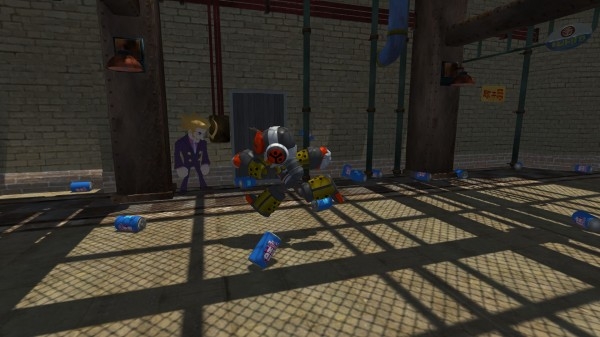
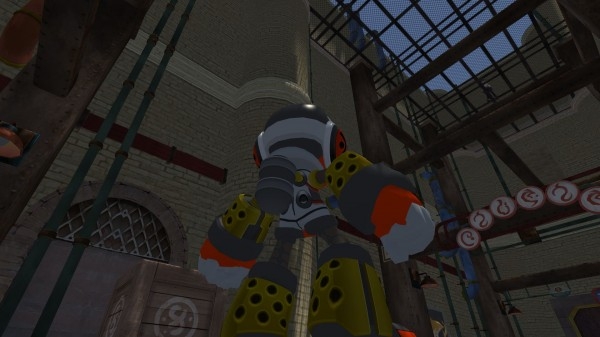
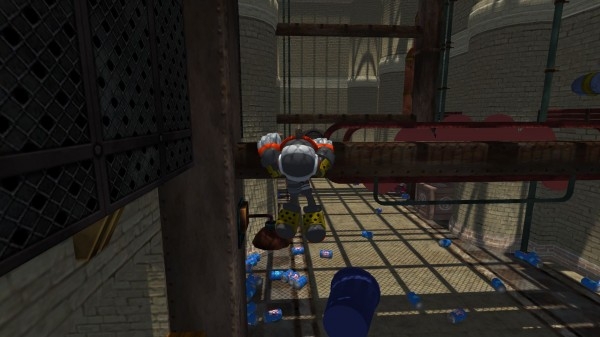
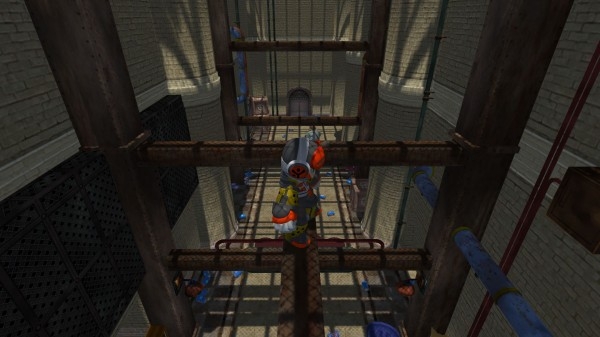
댓글